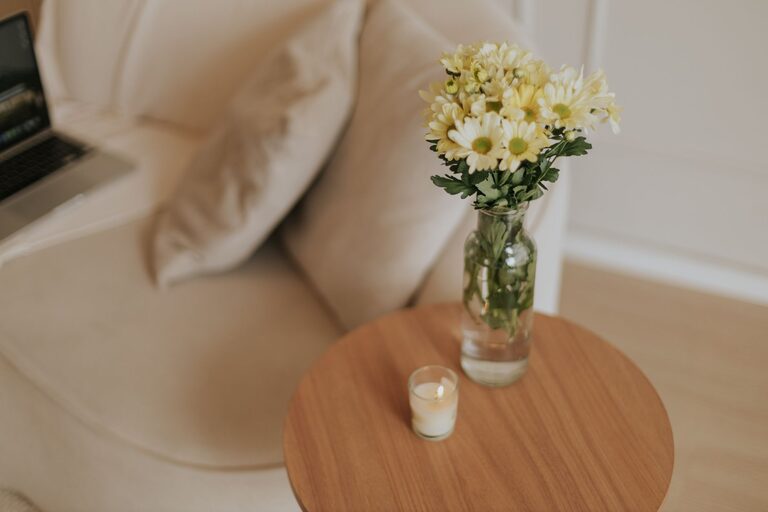

Creating a home workspace that is both productive and enjoyable can make a significant difference in your work habits and overall well-being. Whether you work remotely full-time or occasionally need a dedicated space for focused tasks, organizing your home office thoughtfully helps you stay motivated and comfortable. In this post, we’ll explore practical tips for setting up and maintaining an organized home workspace that supports your productivity and enhances your daily work experience.
Choose the Right Location
Picking the best spot for your workspace is the first step toward a productive home office.
– Quiet and Private: Find a place with minimal distractions to keep your focus intact.
– Natural Light: If possible, choose a location near windows for natural daylight, which can improve mood and energy.
– Space for Equipment: Ensure the area can comfortably fit your desk, chair, computer, and any other essential tools.
Invest in Comfortable, Functional Furniture
Your furniture should support healthy posture and efficient work habits.
– Ergonomic Chair: Opt for a chair that provides good back support to prevent discomfort during long working hours.
– Appropriate Desk: The desk should be at a height that allows your arms to rest comfortably and your feet to stay flat on the floor.
– Additional Storage: Drawers or shelves help keep supplies accessible but out of the way.
Organize Your Desk Efficiently
A tidy desk creates a clear mind and minimizes interruptions.
– Declutter Regularly: Remove unnecessary items and only keep what you use daily on your desk.
– Use Organizers: Drawer organizers, pen holders, and trays can keep small items from spreading chaotic clutter.
– Cable Management: Use cable clips or ties to keep cords neat and prevent tangling.
Personalize Your Workspace
Adding personal touches can make your workspace inviting and motivating.
– Decorative Items: Consider small plants, photos, or artwork that inspire you without overwhelming the space.
– Color Choices: Use colors you find calming or energizing, depending on your preferences.
Optimize Lighting
Proper lighting reduces eye strain and keeps you alert.
– Layered Lighting: Combine natural light with overhead lighting and task lamps for flexibility.
– Avoid Glare: Position screens to minimize glare from windows or bright lights.
Create a System for Paper and Digital Files
Keeping files organized reduces stress and saves time.
– Paper Organization: Use labeled folders, trays, or binders to categorize documents.
– Digital Organization: Create clear folder structures on your computer and regularly back up important files.
Establish Daily and Weekly Routines
Routines help maintain organization and boost productivity.
– Daily Clean-Up: Spend a few minutes at the end of each workday tidying your space.
– Weekly Review: Check supplies, file important documents, and plan upcoming work to prepare your workspace for the week ahead.
Minimize Distractions
Keeping distractions low helps maintain your focus.
– Turn Off Notifications: Silence non-essential notifications while working.
– Use Headphones: If noise is an issue, headphones or noise-canceling earbuds can help.
Take Breaks and Move Around
A well-organized workspace also supports healthy habits.
– Scheduled Breaks: Set reminders to stretch or take short breaks to reduce fatigue.
– Standing Options: If possible, use a sit-stand desk or alternate seating to improve comfort.
Maintain Flexibility
Your needs may change over time, so keep your workspace adaptable.
– Modular Furniture: Choose pieces that can be rearranged or expanded.
– Seasonal Adjustments: Adjust lighting, decoration, or equipment based on seasons or changing tasks.
—
By thoughtfully organizing your home workspace, you create an environment where you can work efficiently and comfortably. Remember, the goal is to have a space that supports focus but also feels welcoming, helping you stay motivated throughout your workday. Start small by adjusting one or two elements, and gradually create a home office setup that works best for you.