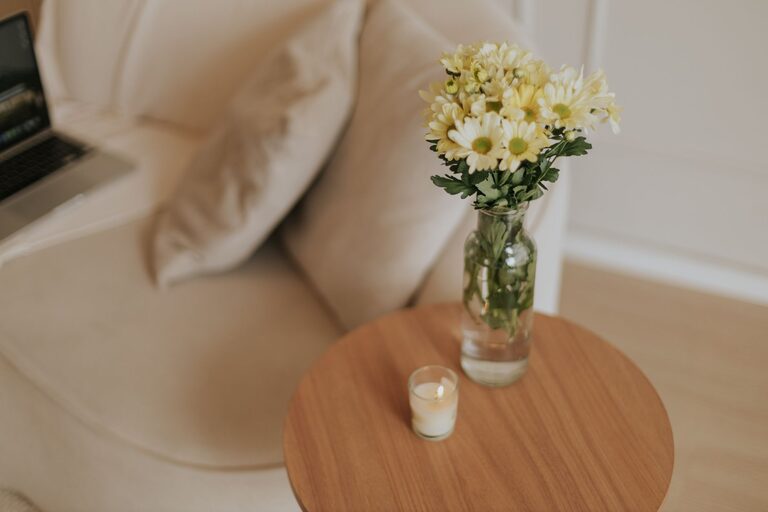

Creating a productive home office environment is essential as many people continue to work remotely or blend work and home life more than ever. A well-organized and comfortable workspace can improve focus, reduce stress, and enhance your overall workday. In this post, we’ll explore practical tips to help you set up a home office that supports your productivity and well-being.
1. Choose the Right Location
Selecting a suitable spot for your home office is the first step. Ideally, you want a space that is:
– Quiet and free from distractions
– Well-lit, preferably with natural light
– Separate from high-traffic areas of your home
If a dedicated room isn’t an option, consider a corner or nook with clear boundaries, such as a room divider or a bookshelf to visually separate your workspace from the rest of the living area.
2. Invest in Ergonomic Furniture
Comfort plays a significant role in your ability to focus and avoid discomfort or injury over long work sessions.
Chair
– Choose an adjustable chair with good lumbar support
– Ensure your feet can rest flat on the floor or on a footrest
Desk
– Select a desk at the right height; make sure your elbows are at a 90-degree angle when typing
– Consider a sit-stand desk if you want to alternate between sitting and standing
3. Optimize Lighting
Proper lighting reduces eye strain and boosts mood.
– Position your desk near a window to take advantage of natural light
– Use blinds or curtains to control glare
– Add task lighting such as a desk lamp with an adjustable arm
– Choose warm, soft bulbs that are bright enough but not harsh
4. Organize Your Workspace
A clutter-free environment helps maintain focus and efficiency.
– Use storage solutions like shelves, drawers, or filing cabinets to keep documents and supplies organized
– Keep only essential items on your desk to reduce distractions
– Use cable management tools to keep wires tidy
5. Personalize Your Space
Adding personal touches can make your home office more inviting and motivating.
– Incorporate plants to improve air quality and create a calming atmosphere
– Display art or photos that inspire you
– Choose colors or décor that promote focus and positivity, such as soft blues or greens
6. Manage Noise Levels
Noise can be a major distraction when working from home.
– Use noise-canceling headphones if unavoidable background noise exists
– Play soft instrumental music or white noise to mask distracting sounds
– Consider soundproofing options such as rugs, curtains, or acoustic panels
7. Establish Boundaries
Creating clear boundaries between work and personal life helps maintain balance.
– Set working hours and communicate them to household members
– Use visual cues like a closed door or a “do not disturb” sign during focus time
– Take regular breaks away from your desk to recharge
8. Equip Your Office with the Right Technology
Reliable technology supports smooth workflows and reduces frustration.
– Ensure you have a good quality computer or laptop suited to your tasks
– Use a fast and stable internet connection
– Consider adding accessories like a second monitor, wireless keyboard, or mouse to enhance comfort
9. Prioritize Air Quality and Comfort
Your physical environment affects your energy and concentration.
– Keep the room well-ventilated with fresh air
– Maintain a comfortable temperature
– Use a fan, heater, or humidifier when necessary
10. Plan for Breaks and Movement
Incorporate movement into your day to stay energized.
– Schedule short breaks every hour to stretch or walk around
– Use reminders or apps to prompt you to move
– Consider simple desk exercises or stretches
—
Building a home office that supports productivity is a blend of smart design, comfort, and personal preference. By applying these tips, you can create a workspace that not only helps you get work done efficiently but also makes your work-from-home experience more enjoyable and sustainable. Remember, your home office should serve your needs — feel free to adjust and personalize it as your work habits evolve.